> ## Documentation Index
> Fetch the complete documentation index at: https://docs.clearspend.ai/llms.txt
> Use this file to discover all available pages before exploring further.
# Sign up and sign in
> Create a ClearSpend account or return with email magic link or Google.
You need a ClearSpend account before you can open a workspace. Sign-up and sign-in both happen on [app.clearspend.ai](https://app.clearspend.ai).
## Sign in options
| Method | What happens |
| -------------------- | -------------------------------------------------------------------------------------- |
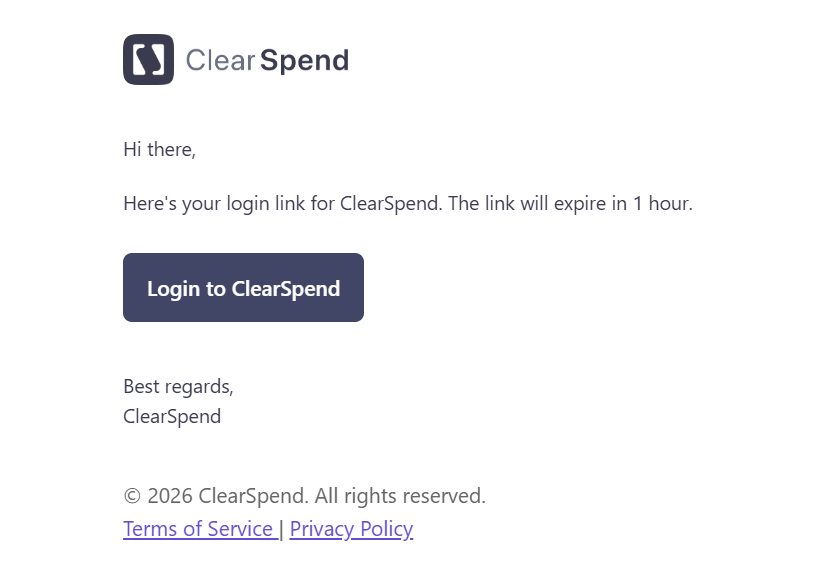
| **Email magic link** | Enter your work email. ClearSpend emails a one-time link. Click it to land in the app. |
| **Google** | Use **Continue with Google** to authenticate with your Google account. |
 Use the **same email** your admin invited you with if you are accepting a [team invite](/team/invite-via-link).
## New account (sign up)
Use the **same email** your admin invited you with if you are accepting a [team invite](/team/invite-via-link).
## New account (sign up)
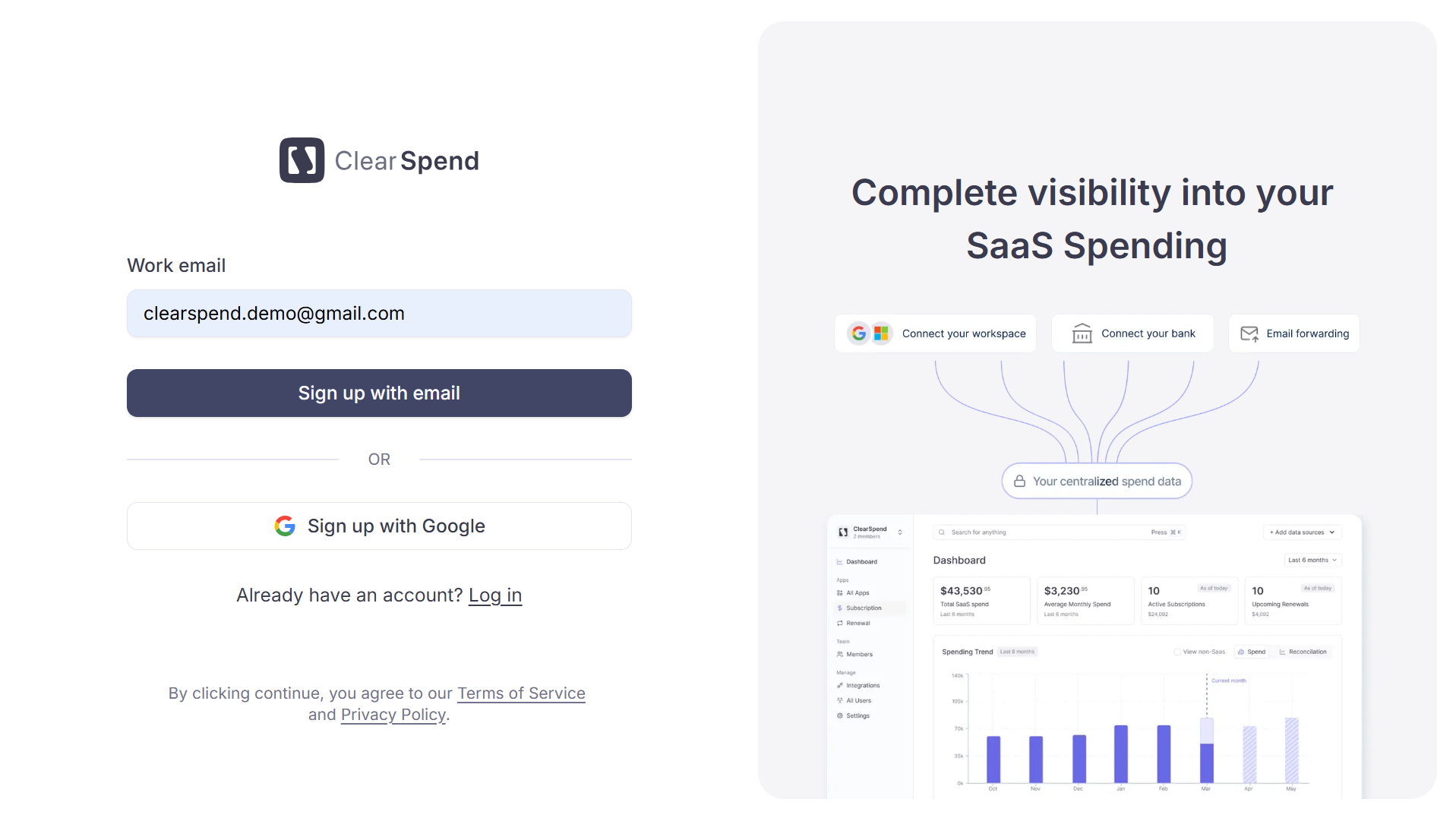 1. Open [app.clearspend.ai/signup](https://app.clearspend.ai/signup) or choose **Sign up** from the login page.
2. Prefer your **work email** so teammates with the same domain can join one workspace instead of creating duplicates.
3. Complete authentication (magic link or Google).
4. ClearSpend routes you to:
* [Onboarding](/onboarding) if you are the first person from your domain, or
* [Request to join](/request-to-join) if a workspace for your domain already exists, or
* Straight to the dashboard if you arrived via an invite link.
Personal domains (`gmail.com`, `outlook.com`, etc.) always create a separate workspace.
Each user can belong to up to **3 organizations** on one account — useful if you want separate sandboxes with a personal email.
1. Open [app.clearspend.ai/signup](https://app.clearspend.ai/signup) or choose **Sign up** from the login page.
2. Prefer your **work email** so teammates with the same domain can join one workspace instead of creating duplicates.
3. Complete authentication (magic link or Google).
4. ClearSpend routes you to:
* [Onboarding](/onboarding) if you are the first person from your domain, or
* [Request to join](/request-to-join) if a workspace for your domain already exists, or
* Straight to the dashboard if you arrived via an invite link.
Personal domains (`gmail.com`, `outlook.com`, etc.) always create a separate workspace.
Each user can belong to up to **3 organizations** on one account — useful if you want separate sandboxes with a personal email.