> ## Documentation Index
> Fetch the complete documentation index at: https://docs.clearspend.ai/llms.txt
> Use this file to discover all available pages before exploring further.
# Subscription notification email
> Understand the notification emails ClearSpend sends for upcoming renewals, monthly summaries, and document requests.
ClearSpend sends subscription notification emails automatically. Each email goes to the recipients configured under [Settings → Notifications](/settings/notifications). If you've connected Slack, the workspace **Owner** receives renewal alerts in Slack as well.
Settings also sends **document request** notifications to recipients when someone asks an owner to upload a missing invoice. See [Request missing invoices](/features/subscriptions-request-invoices).
## Upcoming renewal
**Trigger:** the renewal date is 1, 3, 7, or 15 days away (whichever cadences you've enabled).
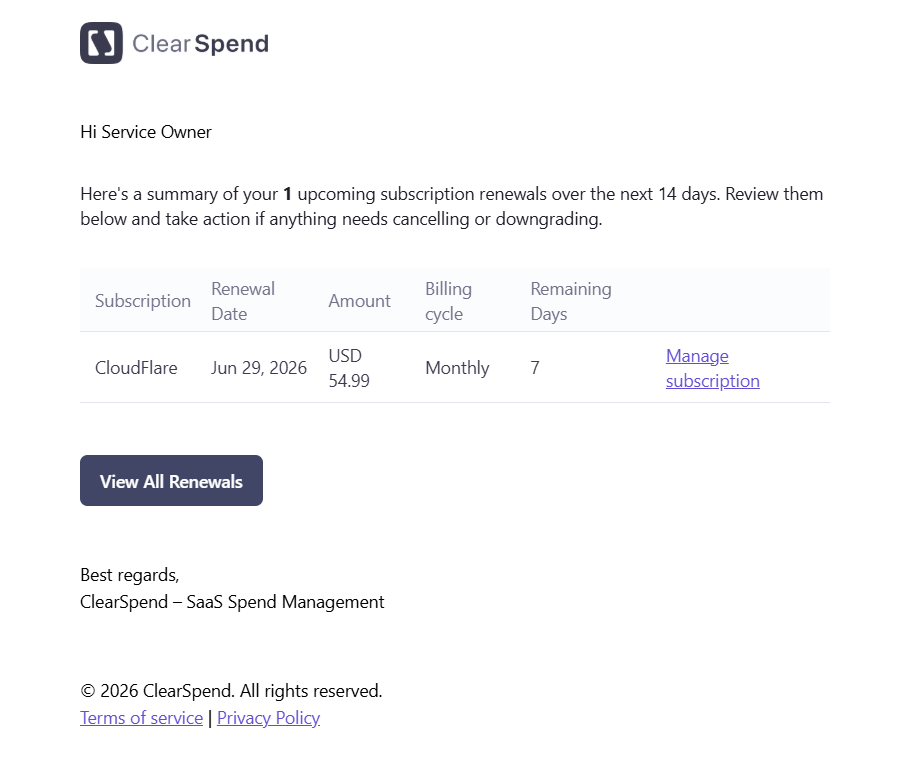 The email includes:
* **Subscription:** the subscription name
* **Amount:** the expected charge
* **Billing Cycle:** Monthly, Quarterly, Semi-Annually, Yearly, or One-time
* **Remaining Days:** days until the renewal date
* **View all Upcoming Renewals** button: links directly to the Renewals page in ClearSpend
No action is required if you're okay with the renewal. The email is a heads-up so you can review, downgrade, or cancel before the charge hits.
You can change which intervals trigger this email under [Settings → Notifications](/settings/notifications). Many teams enable both 7 days (for planning) and 1 day (as a final check).
## Monthly summary
**Trigger:** sent at the start of each month.
The email includes:
* **Subscription:** the subscription name
* **Amount:** the expected charge
* **Billing Cycle:** Monthly, Quarterly, Semi-Annually, Yearly, or One-time
* **Remaining Days:** days until the renewal date
* **View all Upcoming Renewals** button: links directly to the Renewals page in ClearSpend
No action is required if you're okay with the renewal. The email is a heads-up so you can review, downgrade, or cancel before the charge hits.
You can change which intervals trigger this email under [Settings → Notifications](/settings/notifications). Many teams enable both 7 days (for planning) and 1 day (as a final check).
## Monthly summary
**Trigger:** sent at the start of each month.
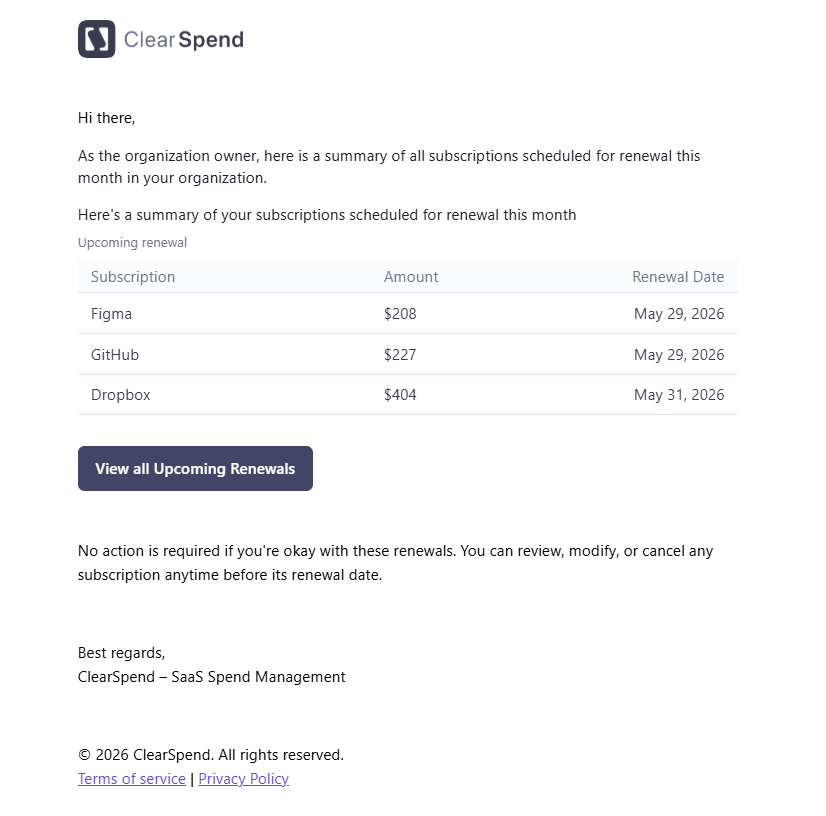 The email includes:
* A table of **renewals in the next 30 days** with subscription name, amount, and renewal date
A **View all Upcoming Renewals** button links directly to the Renewals page in ClearSpend.
For Slack alerts, see [Slack notifications](/features/subscription-notifications-slack).
The email includes:
* A table of **renewals in the next 30 days** with subscription name, amount, and renewal date
A **View all Upcoming Renewals** button links directly to the Renewals page in ClearSpend.
For Slack alerts, see [Slack notifications](/features/subscription-notifications-slack).