> ## Documentation Index
> Fetch the complete documentation index at: https://docs.clearspend.ai/llms.txt
> Use this file to discover all available pages before exploring further.
# Profile
> Update your display name and organization name in ClearSpend.
Change your display name and (if you are the Owner) your organization name under **Settings → Profile**.
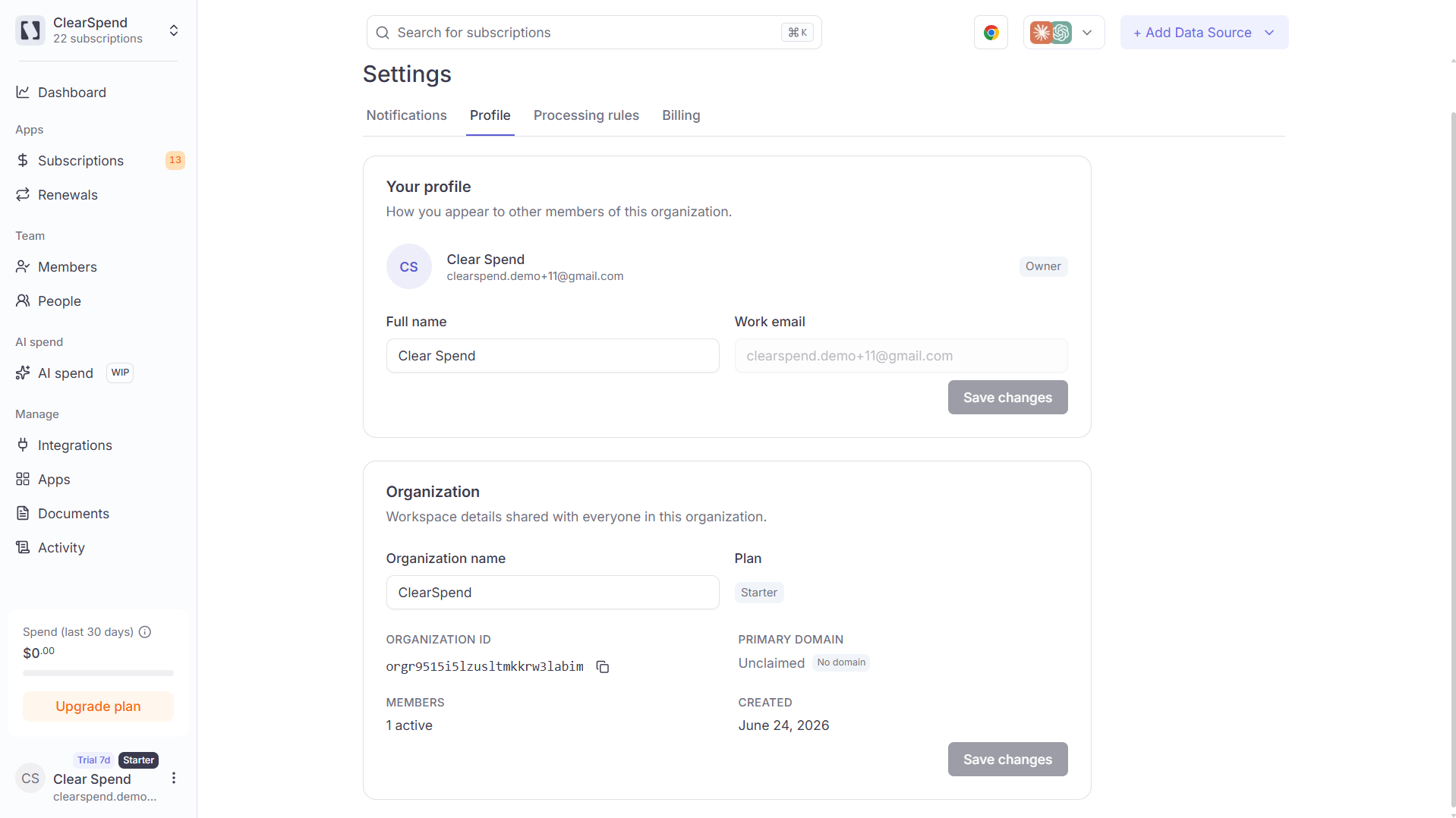 ## Profile fields
| Field | Description |
| --------------------- | -------------------------------------------------------------------------------------- |
| **Full name** | Your display name shown across ClearSpend (members list, subscription ownership, etc.) |
| **Organization name** | The name of your workspace/organization |
**Organization name** can only be edited by the workspace **Owner**. If you hold the Owner role, the field is editable directly from this page. All other roles see it as read-only.
## Profile fields
| Field | Description |
| --------------------- | -------------------------------------------------------------------------------------- |
| **Full name** | Your display name shown across ClearSpend (members list, subscription ownership, etc.) |
| **Organization name** | The name of your workspace/organization |
**Organization name** can only be edited by the workspace **Owner**. If you hold the Owner role, the field is editable directly from this page. All other roles see it as read-only.