Documentation Index

Fetch the complete documentation index at: https://docs.clearspend.ai/llms.txt

Use this file to discover all available pages before exploring further.

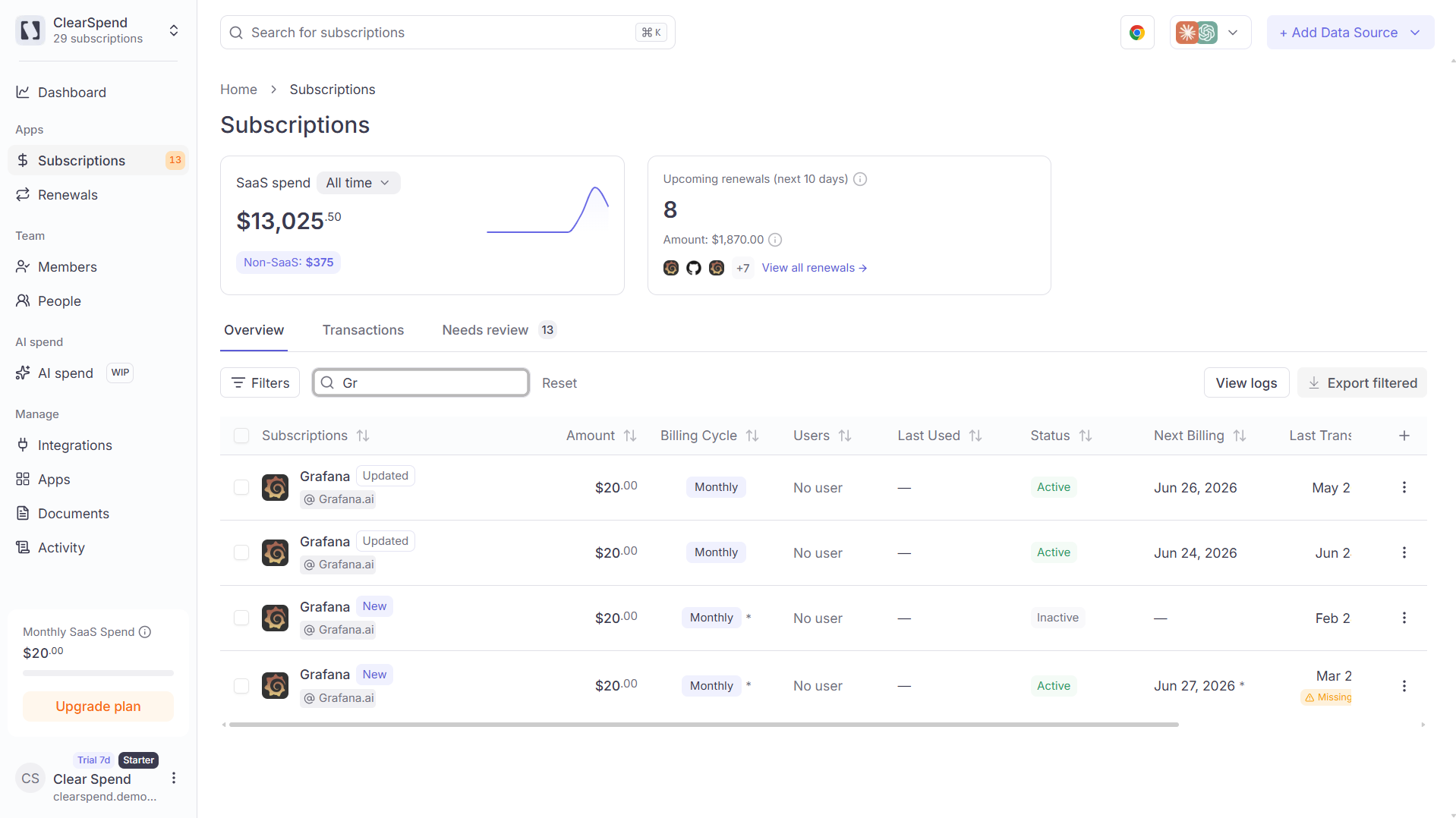
Use global search when you know a vendor name and want to open its subscription detail without browsing the full table.
MethodAction
KeyboardPress ⌘K (Mac) or Ctrl K (Windows/Linux) from anywhere in the app
MouseClick the search field in the top header (next to the sidebar toggle)
The shortcut focuses the header search input and opens the results dropdown when you type.

How search works

  1. Type at least two characters of the vendor or subscription name.
  2. ClearSpend queries subscriptions in your current workspace and shows matching rows with logo, status, amount, and renewal hints.
  3. Click a result (or press Enter on the highlighted row) to open that subscription’s detail page.
Search is scoped to the organization you have selected in the sidebar header. It does not search documents, people, or settings pages.

Tips

  • Press Esc to close the dropdown and clear focus.
  • If you land on Subscriptions with ?s= in the URL, that value came from the search bar filtering the table; clear it from the URL or reset filters to see the full list again.