

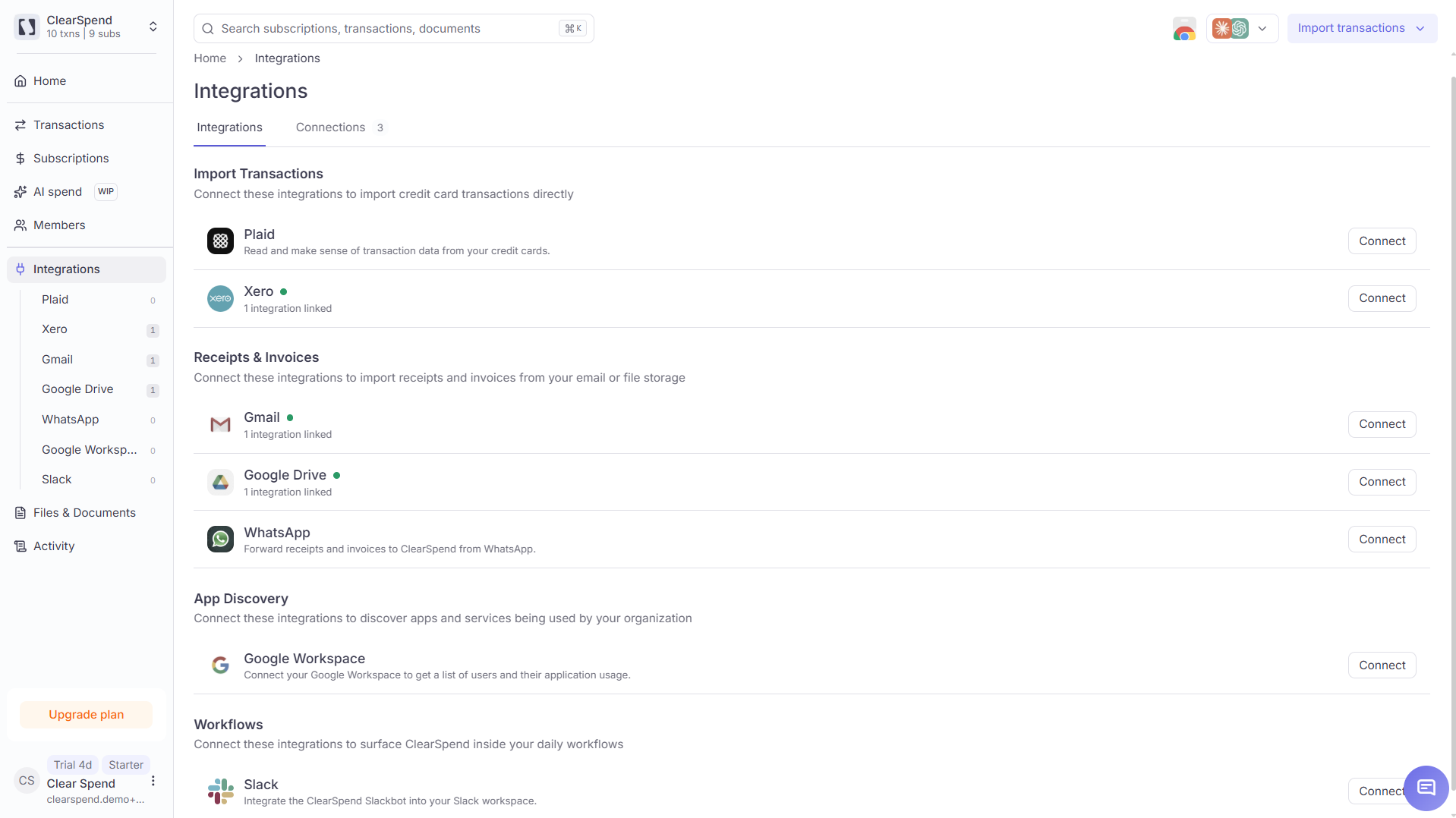
Integrations page: Import Transactions, Receipts & Invoices, App Discovery, and Workflows.
What each integration is for
Most of these syncs pull invoices and receipts. Plaid, Xero → ClearSpend, and statement uploads bring in transactions that power matching and dashboard totals.
You can link multiple Gmail or Drive accounts to one workspace. Invoice and receipt syncs do not create spend totals on their own. Pair them with Plaid, Xero, or a statement upload.
Connected state
After you connect, the card shows a green status, the linked account, and when it last synced.Managing connections
Configure
You can open Configure from the connected row menu to change settings, such as a Google Drive folder and date range. Then choose how to save:
Use Cancel to close without saving.
Reconnect
- Click Reconnect on the affected account
- Complete sign-in again
- Wait for the connection to refresh so missed data can sync again