

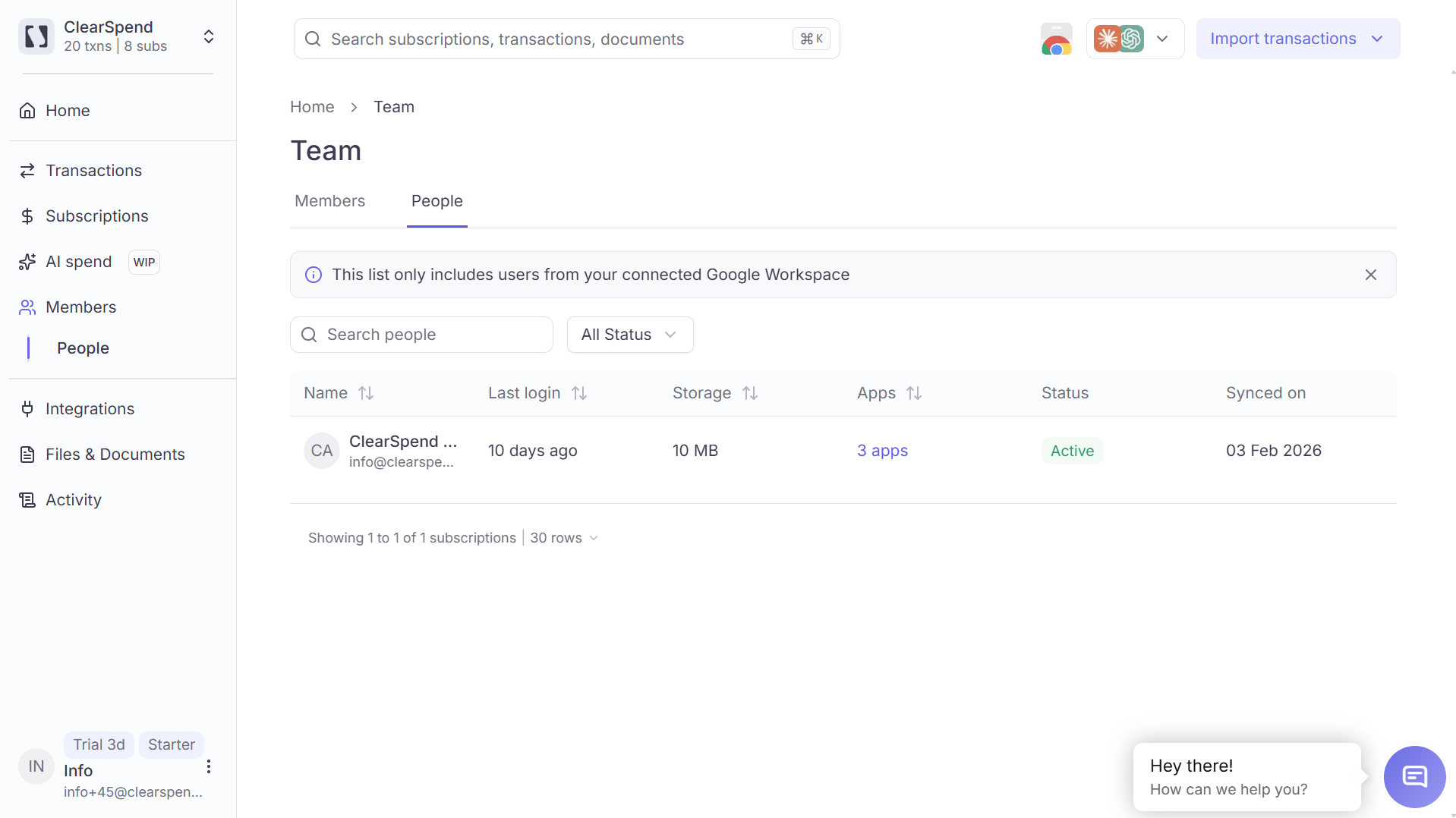
The People tab: directory users with last login, storage, apps, status, and synced date.
Search and filters
- Search with Search people (name or email)
- Filter with All Status: Active or Inactive
Table columns
You can sort by Name, Last login, and Storage.
Status
Status comes from the company directory — not from whether someone has a ClearSpend login.Apps used by
Click an apps count (for example, 1 app or 3 apps) to open Apps used by. That modal lists the apps ClearSpend has associated with the person (logo and name). Use Search apps to filter the list. If there are no apps, the cell shows No app.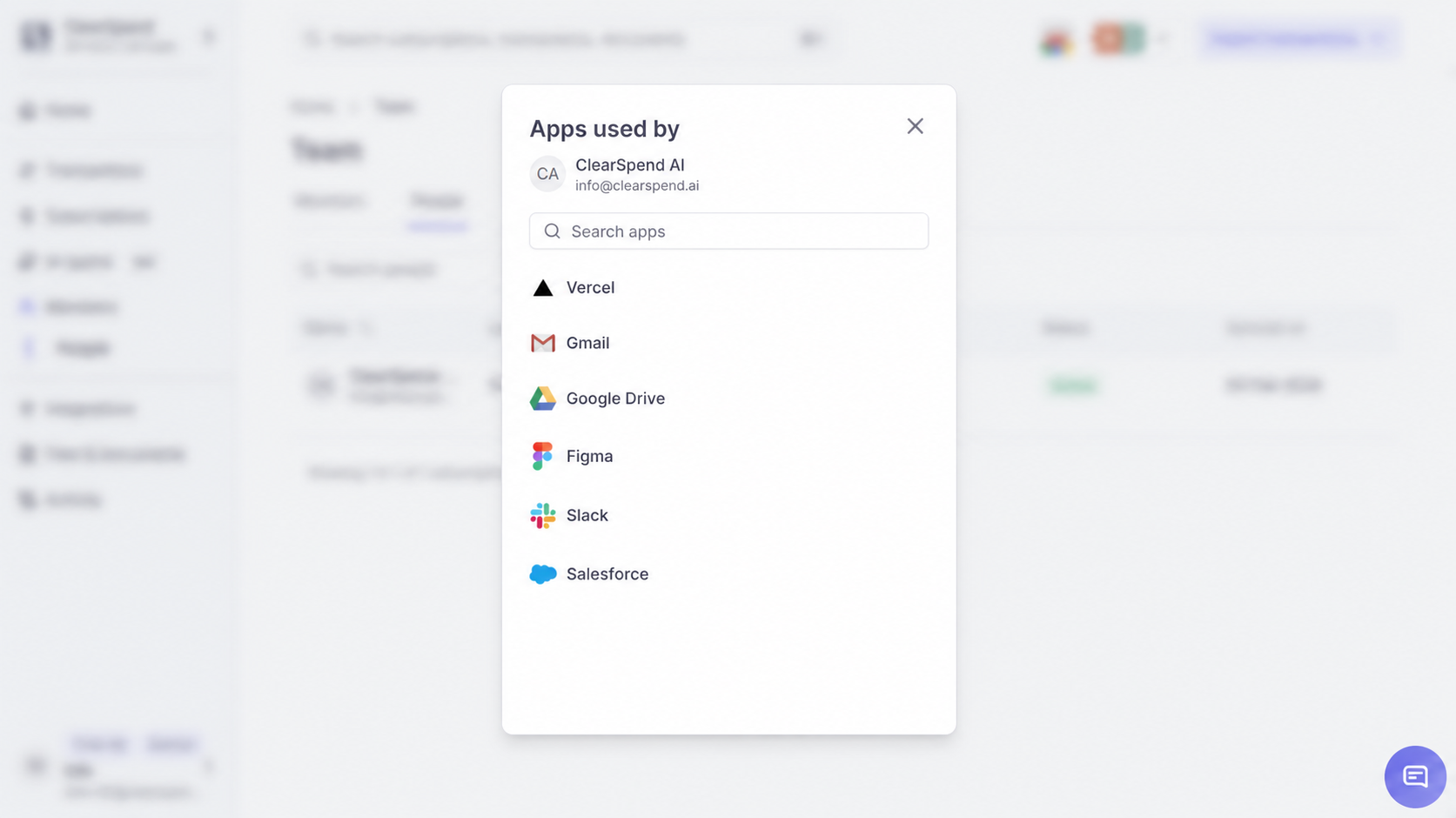
Apps used by: apps associated with a person from the directory.