The fastest way to see value in ClearSpend is to add a data source right after you log in. An invoice or card statement is all it takes; once parsed, your subscriptions and spend appear on the dashboard automatically.
1

Open your workspace

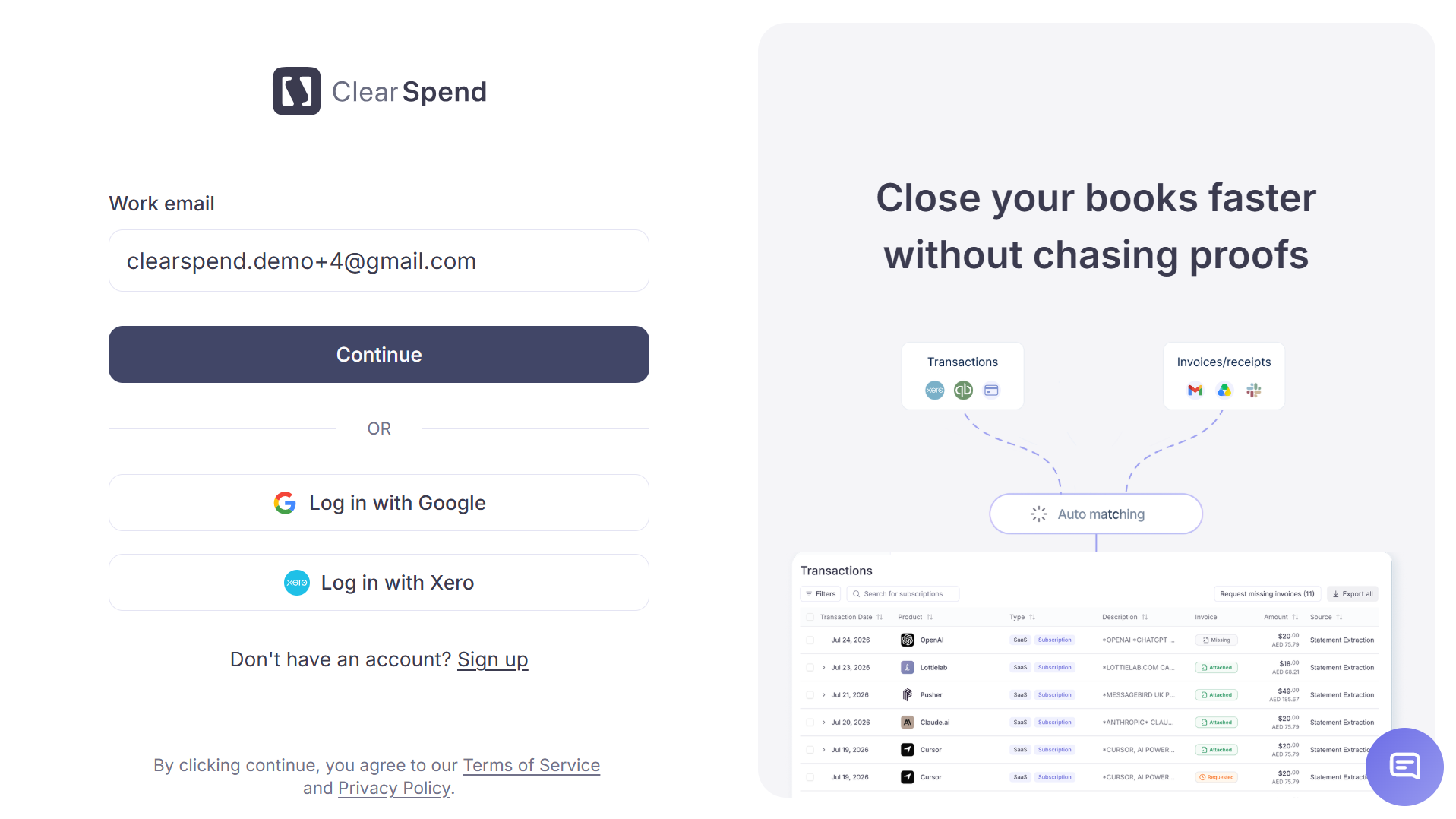
Log in to app.clearspend.ai. The login screen offers two options:
  • Login with email: enter your email and receive a magic link
  • Login with Google: sign in via your Google account
ClearSpend login page
Signing up for the first time? Personal Gmail accounts are supported so you can try ClearSpend out, but we recommend signing up with your work email: it lets us auto-claim your company domain so teammates land in the same workspace instead of creating duplicates. After signing up you’ll go through a short onboarding flow (name, role, organization, goals) before landing on the dashboard. If a colleague has already signed up your company, you’ll be routed to Request to join.
Once logged in, your organization name and total subscription count appear at the top-left of the sidebar.
2

Connect a data source

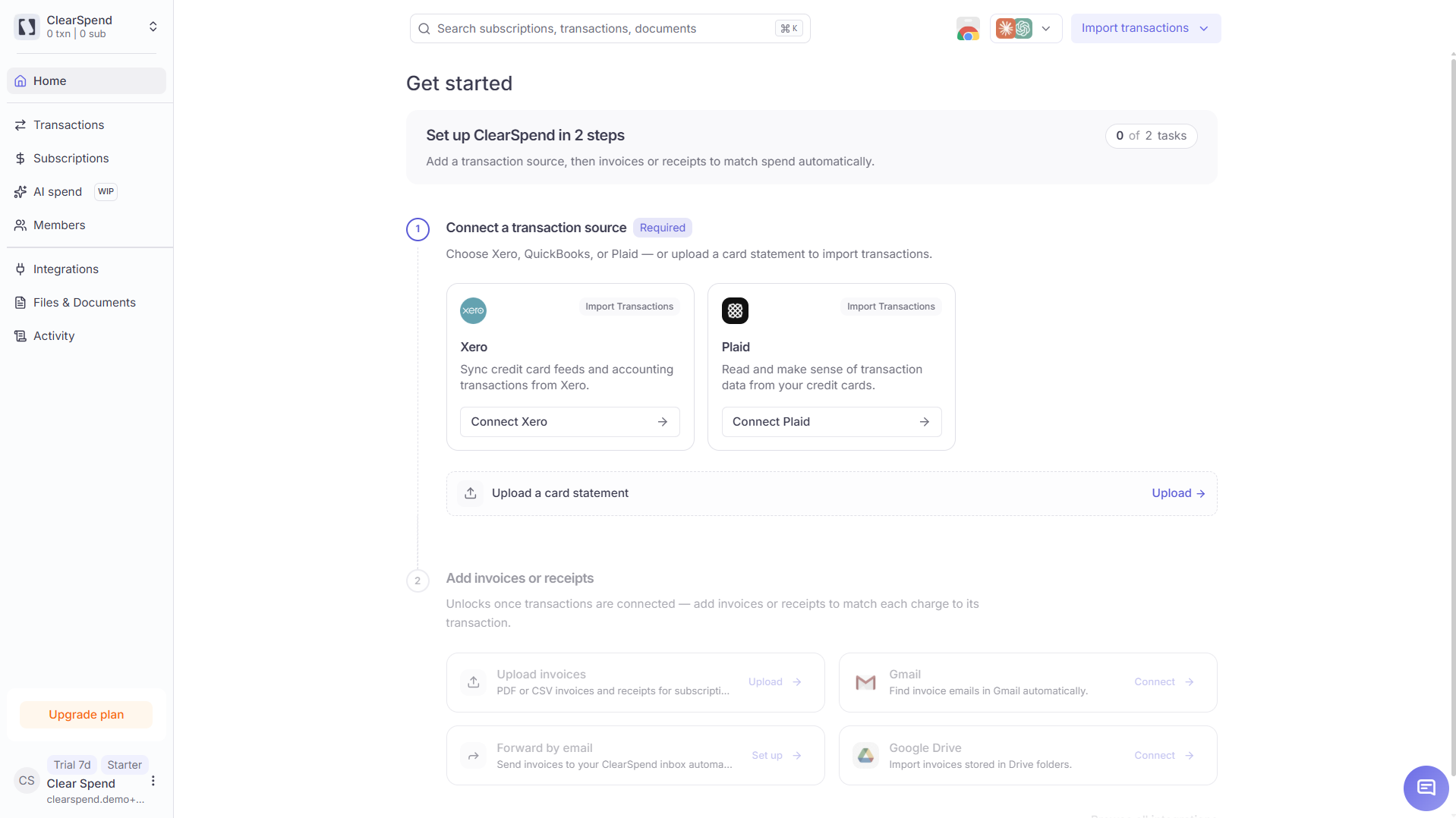
If your workspace is empty, the dashboard shows a “Connect or add your first subscription” screen with two buttons:
Dashboard empty state with Add Data Source and Manage Integrations buttons
  • + Add Data Source: upload an invoice PDF, card statement, or receipt directly. Once the file is parsed, subscriptions and spend figures appear on the dashboard and in the Subscriptions list within minutes.
  • Manage Integrations: set up a continuous source such as Google Drive, Gmail inbox, or Google Workspace. These run in the background and keep your data fresh automatically.
Start with ”+ Add Data Source”. Uploading an invoice or card statement takes under a minute and gives you an instant preview of how ClearSpend organizes your SaaS spend, with no integration setup required. You can connect integrations afterwards for ongoing, hands-free discovery.
3

Watch your data populate

As soon as a document is processed, ClearSpend extracts vendor names, amounts, billing periods, and renewal dates. You’ll see:
  • Dashboard: KPI cards (Total SaaS Spend, Average Monthly Spend, Upcoming Renewals) update with real numbers
  • Subscriptions: each identified service appears as a line item with its billing cycle, amount, and status
  • Renewals: Upcoming renewals come from invoices and statement charges; charge-based dates are estimated and refined when invoice data is available
If you connected an integration instead, the initial discovery pass typically takes a couple of minutes. Apps appear under Apps as they’re found, and known SaaS tools are converted into Subscriptions.
4

Connect more integrations for richer data

Once you’ve seen the basics, head to Manage → Integrations to connect additional sources:
IntegrationWhat it adds
Google WorkspaceDiscovers all OAuth-connected apps and active users across your domain
GmailAuto-imports invoice emails and attachments from your inbox
Google DriveSyncs invoice PDFs from a Drive folder on an ongoing basis
Connect your cardDetects SaaS charges from linked card accounts via Plaid
Each new source fills in gaps: amounts from invoices, usage signals from OAuth, and charge dates from card data all combine into one unified view.
Press ⌘K (or Ctrl K) anywhere in the app to open the global search and jump to any subscription instantly.

Next steps

Core concepts

Subscription, app, document, renewal: what each one means.

Data sources & integrations

Deep-dive into every integration ClearSpend supports.

Install the Chrome extension

Capture in-browser app usage and one-click invoice downloads.

Collect missing invoices

Send a public upload link to app owners and vendors.