

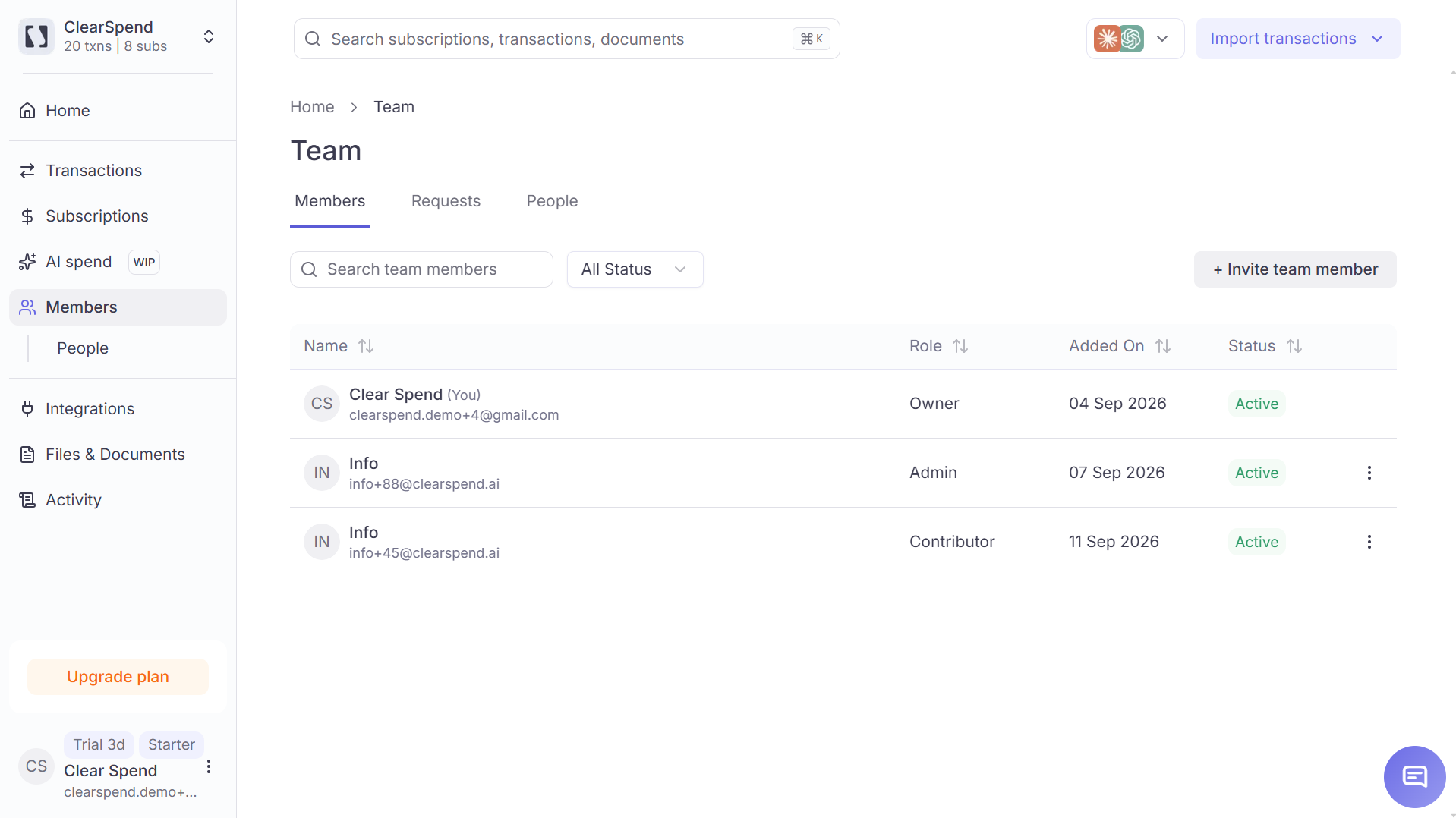
The Members list: name, role, added date, and status.
Roles
For the full permission matrix, see Roles and permissions.
Status
Filter by status with All Status, or search by name or email.
Invite someone
Owners and Admins can invite people to the workspace.1
Open Members
Go to Members.
2
Start an invite
Click + Invite. Enter their email and choose a role: Admin, Contributor, or Viewer.
3
Send
They get an email with a link to set up login. Their row shows Invited until they accept.
Change a role
Owners and Admins can change another person’s role from the row actions on Members.Requests
If someone with your company email domain asks to join before being invited, their request appears on the Requests tab (Owners and Admins only). Each request shows:- Name — their email
- Requested on — the date
- Action — select a role (Admin, Contributor, or Viewer), then approve (✓) or decline (✕)