

Request for one charge
- On Transactions, open ⋮ on the charge.
- Click Request invoice.
- Add recipients and an optional note, then send.
Bulk request
- On Transactions, click Request missing invoices in the toolbar.
- Confirm recipients and send.
Automatic invoice requests
If a charge still has no match about 1 hour after it lands, and it has an owner, ClearSpend:- Opens an invoice request
- Emails the owner a public upload link
- Sends a reminder every 24 hours until proof is attached
Request dialog options
When you send a request yourself: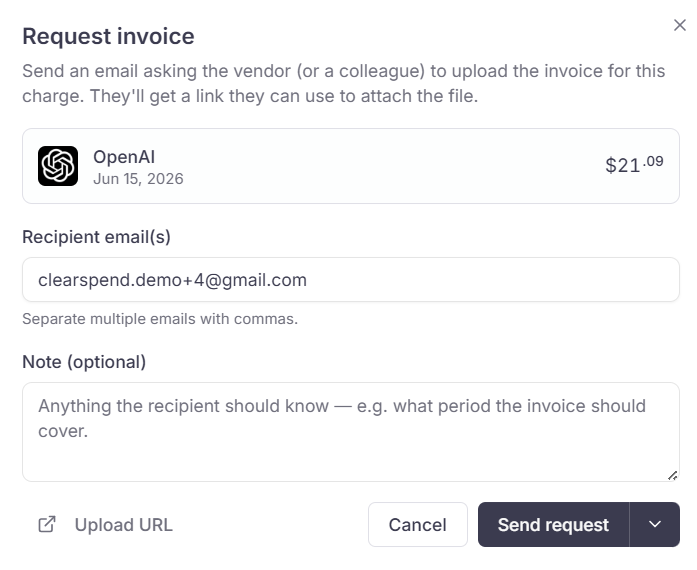
Request invoice dialog: recipients, optional note, Upload URL, and Send request.
Contributors and above can send invoice requests. Contributor is the same role as Member.
Request notifications
Requests go to the owner by default. Recipients do not need a ClearSpend account. They only see the charges they were asked about.
Manage channels under Settings → Notifications. See what the email looks like on Email notifications. Change who gets requests on Change owner.
What the recipient sees
The email (and Slack, if connected) includes a public upload link. The recipient opens it in a browser. They never sign in to ClearSpend. On that page they see:- Your organization name and how many charges still need a file
- Charges grouped by vendor, with amount and date
- An upload area on each charge