

@yourcompany.com after the first person from that domain). Public domains like gmail.com and outlook.com are excluded from this check, so personal-email signups always create their own workspace.
What you’ll see
The page shows the existing organization’s name and member count so you can confirm it’s the right one. You then have two options:- Request to Join: sends a join request to your org’s admins; they review and approve it from Members → Requests
- Create a new organization: spins up a separate workspace under the same domain, useful for separate business units or sandboxes
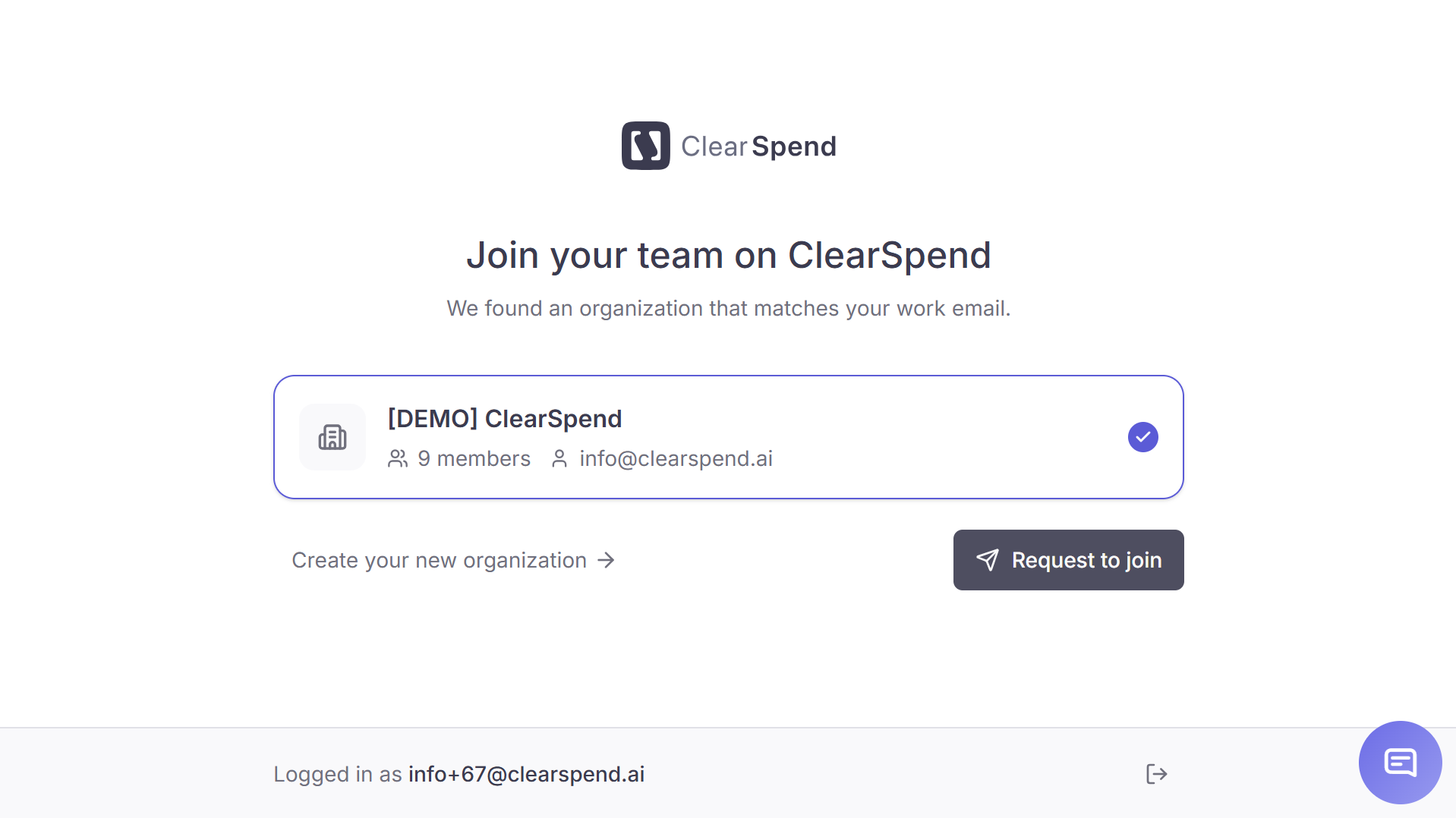
Request to join screen: join the existing organization or create a new organization for a separate workspace.
After requesting
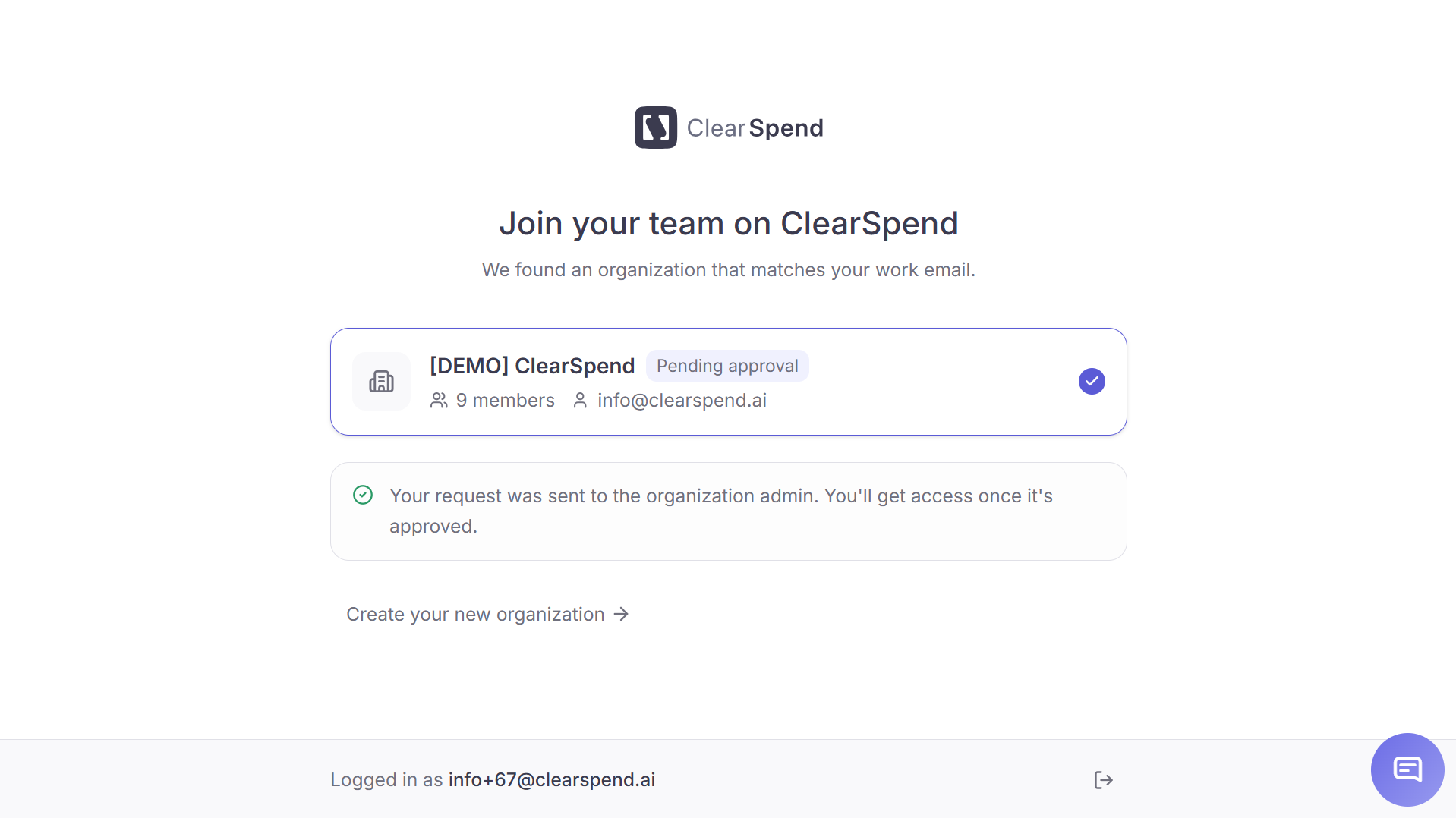
After submitting: the page shows 'Pending approval' and a confirmation that your request has been sent to the admin.
- Home (if you were approved), or
- Request to join page (if still pending or declined)
What admins see
Requests appear under Members → Requests. Each row shows the requester’s email, the date they requested, and two action buttons:- Approve (blue checkmark): opens a role dropdown. Choose Admin, Contributor, or Viewer, then click Approve to add the user with that role.
- Decline (red ✕): the requester sees “Request not approved” on their next login and can submit a new request or create a separate workspace
Edge cases
My request was declined by mistake. Can I request again?
My request was declined by mistake. Can I request again?
Yes. Open the page again and submit a fresh request; declined requests don’t block future ones. Alternatively, ask the admin to invite you directly from Members → + Invite team member.
The organization shown isn't actually mine
The organization shown isn't actually mine
Two companies that share a domain (rare but it happens with
.co or shared subdomains) can collide here. Click Create a new organization to set up your own workspace and contact support if you need the domain split.I want to leave one organization and join another with the same domain
I want to leave one organization and join another with the same domain
Ask the current Owner to remove you from Members, then sign back in. The next session will route you to Request to join if a sibling org exists, or Onboarding if you’re the only one again.