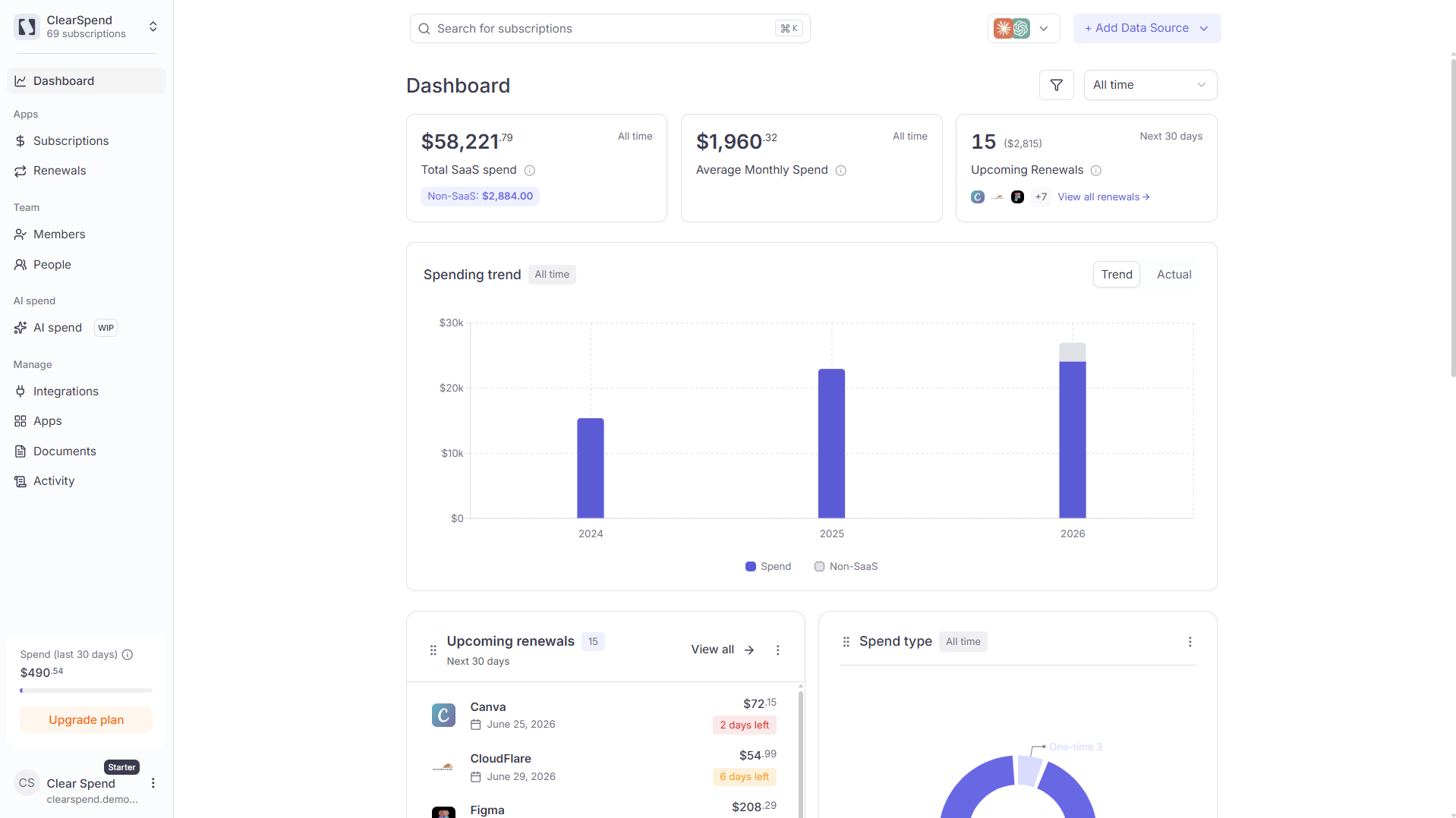
ClearSpend splits every transaction into one of two buckets:
Type
What it includes
Included in KPIs and charts?
Subscription spend
Subscriptions with a recognized software category (Figma, AWS, Cursor, Slack, etc.). Also includes subscriptions with an empty or blank category (treated as subscription spend until classified otherwise).
✅ Yes
Others
Any subscription type categorized as “Others”: hotels, flights, hardware, and anything that isn’t subscription spend.
❌ No (excluded from all KPIs, charts, and totals)
Other spend amounts are excluded from every number you see on the platform: total spend, average monthly spend, the spending trend chart, the spend-type donut, and all other widgets. If a subscription is in the “Others” category, its cost does not count toward any total.
What to do if a subscription is miscategorized
If you see a subscription that should be counted as subscription spend but ended up under “Others” (or vice versa), fix it directly from the subscriptions list:
Go to the Subscriptions page
Find the subscription and click the ⋯ (three dots) menu on its row
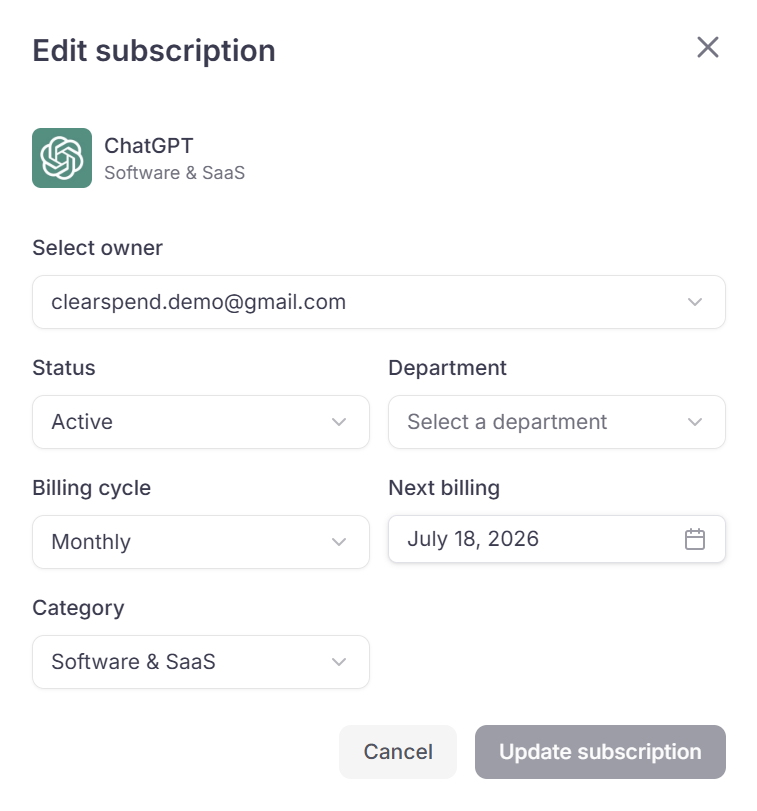
Click Edit. A pop-over appears.
Change the Category field to the correct software category (or to Others to exclude it)
Click Update subscription. The change takes effect immediately and the subscription’s amount will start appearing in (or disappearing from) all KPIs and charts.
The Edit Subscription pop-over: change the Category field to move a subscription between subscription and Others.
Likewise, if a one-off payment (e.g. a hotel booking charged to a company card) was auto-categorized as software, change its category to Others to remove it from your subscription totals.
Subscriptions with a blank or missing category are counted as subscription spend by default. Only the “Others” category excludes a subscription from calculations.