

Slack notifications go to the Owner only. Email notifications go to all recipients configured under Settings → Notifications.
Renewal reminder
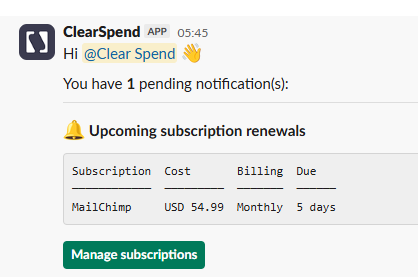
Slack message for upcoming subscription renewals: table of subscriptions, cost, billing, and days until due, with a Manage subscriptions button.
Monthly renewal digest
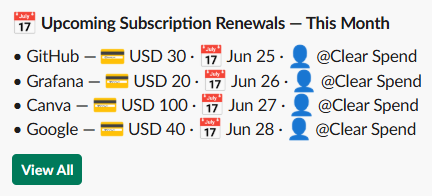
Slack message for monthly renewal digest: list of upcoming renewals with vendor, amount, renewal date, and owner, plus a View All button.
Invoice upload request
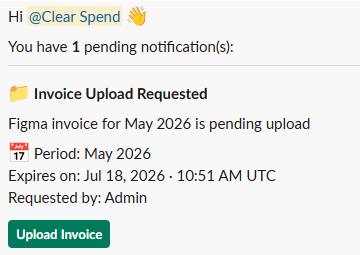
Slack message for invoice upload request: vendor and billing period, expiration time, requester, and an Upload Invoice button.