

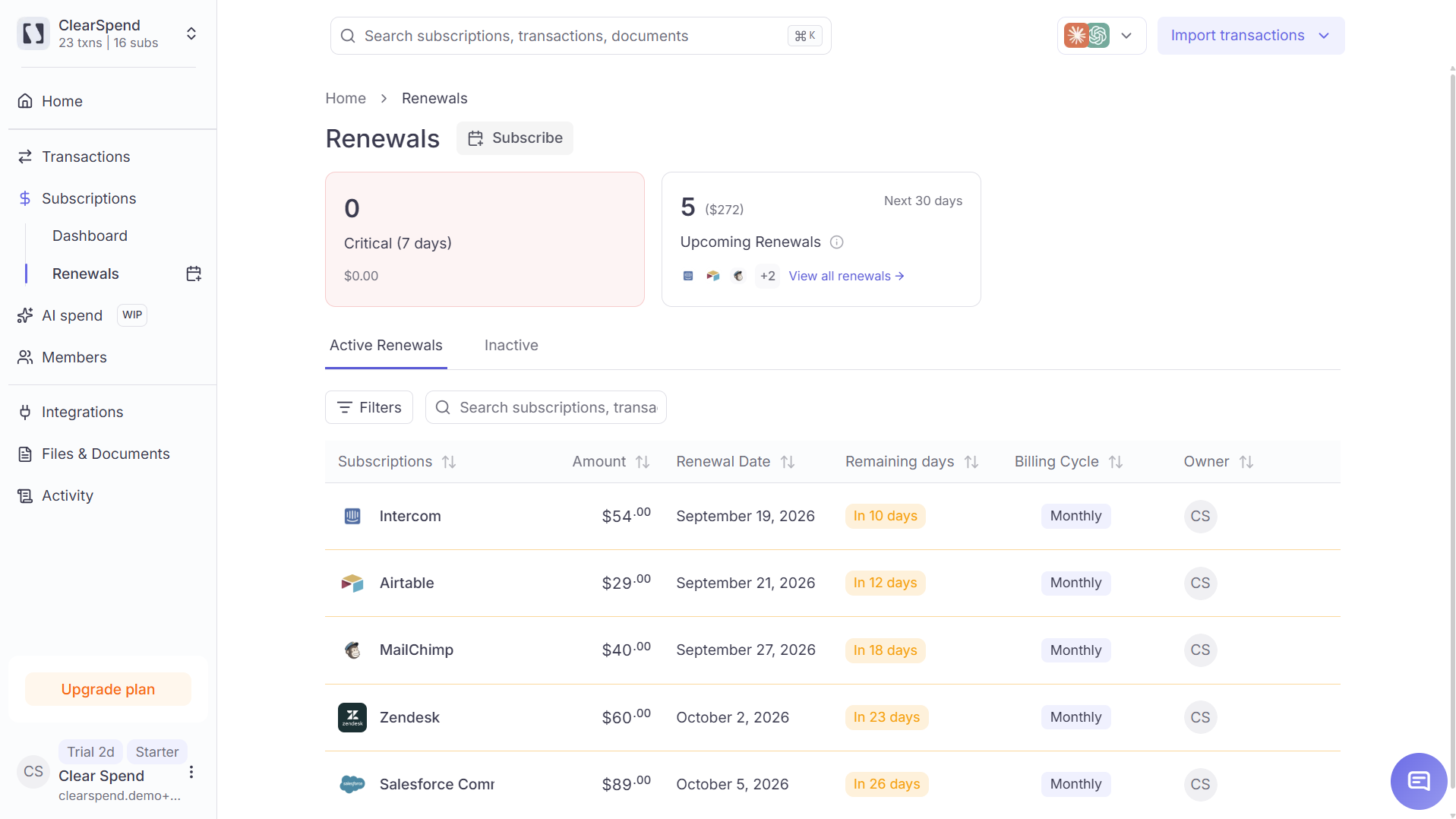
The Renewals page: critical and upcoming renewals with urgency color-coding, billing cycle, and owner.
Header KPIs
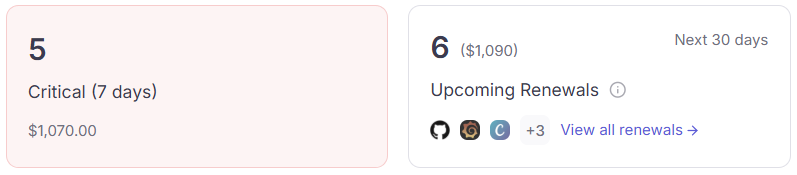
Renewals KPI cards: Critical (7 days), Upcoming (30 days) Renewal Cost.
How renewal dates are shown
Renewal Date and Next Billing are based on the next expected charge date. ClearSpend also keeps the renewal visible for 2 extra months after that date. That buffer gives time for the charge to post (for example from Plaid, Xero, or a statement) before the row drops off. So a renewal may still appear on this page for a short period after the listed date.Table columns
Active vs Inactive
A subscription stays Active while recent charges still look recurring. If no new charge appears for a long stretch, it moves to Inactive. This matches status on Subscriptions.
Renewal emails and Slack alerts only go out for Active subscriptions. Configure timing under Settings → Notifications.